AI Music Video Generator — Turn Any Song or MP3 Into a Music Video

Turn your song into a visual story with our AI music video generator.

or

MP3, WAV, M4A, MP4, MOV, WebM · Up to 100 MB · 2 sec–10 min · Video uploads use the audio track.

Supported links

Public single-video links from YouTube, Vimeo, TikTok, Bilibili and Douyin. Some links require login or cannot be imported; upload the file instead.

CHOOSE YOUR FORMATFormat previews

Visual Inspiration for Your Music Video

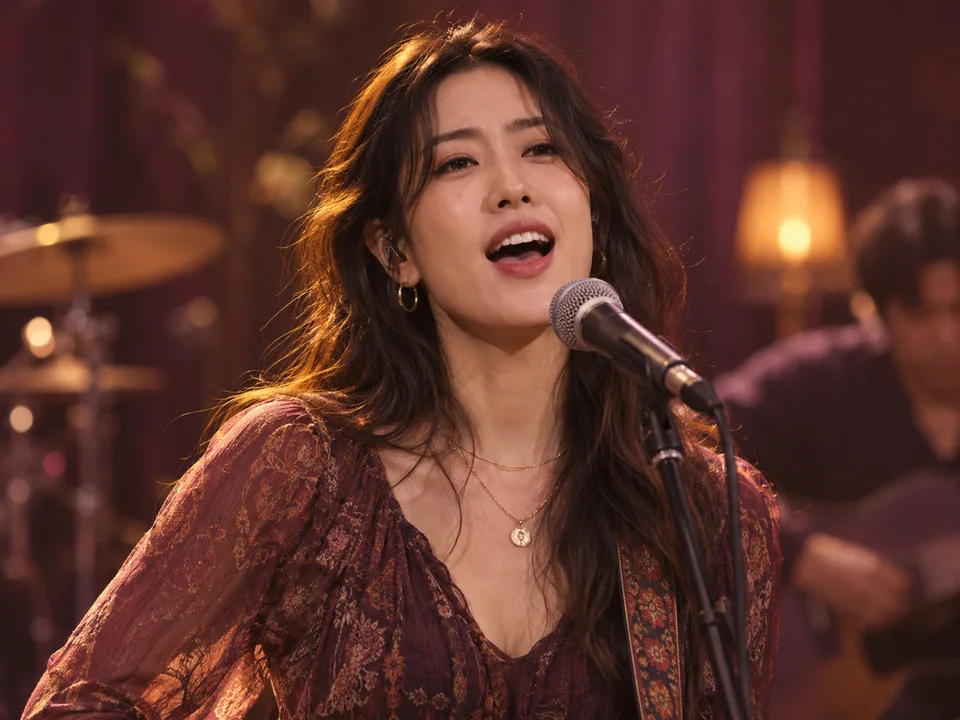
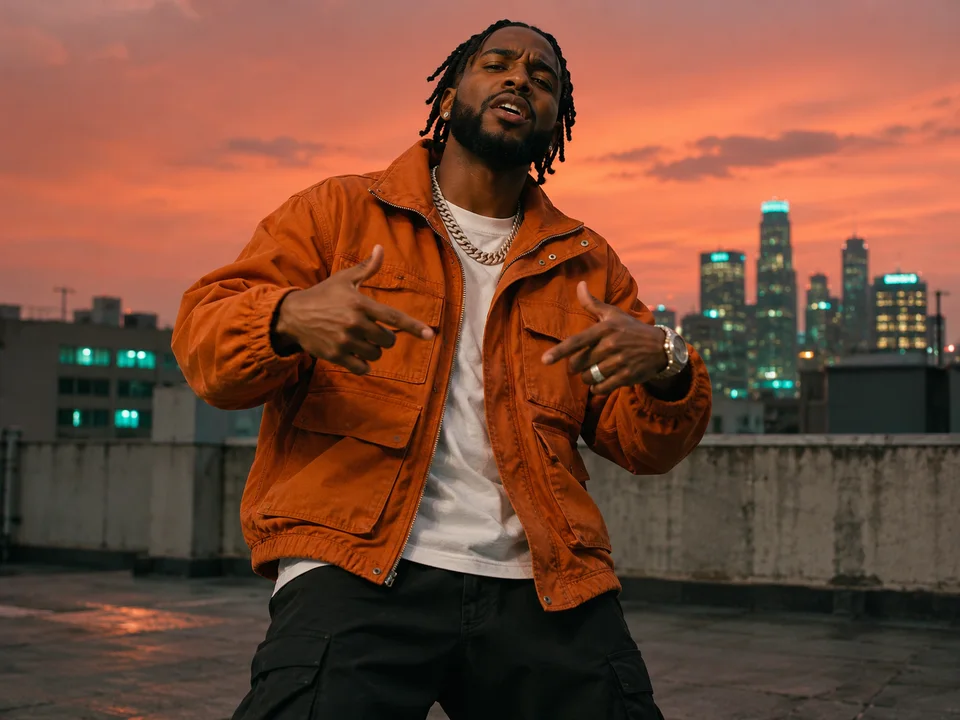
Explore portrait close-ups, landscapes and animated scenes for your next music video. Select a preview to open the studio and start planning shots for your song.

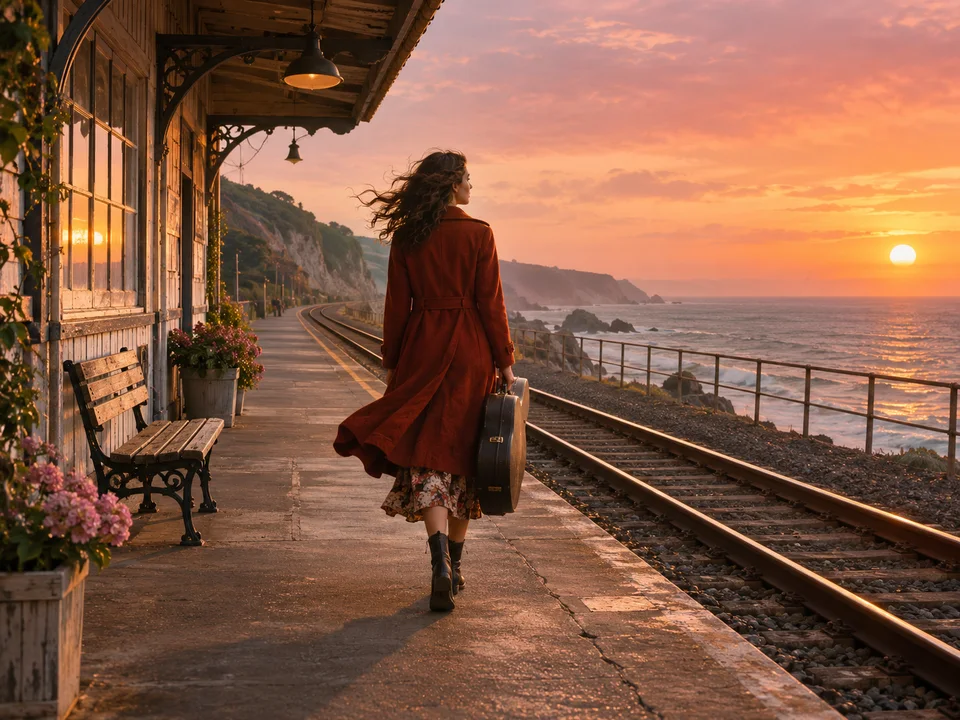
A violinist playing above the sea in the golden light of sunsetMusic video still
Song waveform

How to Use the AI Music Video Generator

  1. Upload audio, import a supported public video link, or use the audio from a video file. Select the part of your song you want to visualize.

  2. Choose a style, refine the creative brief, and review your characters, scenes, and shot plan before generating the storyboard.

  3. Check each shot, adjust the details, and render your selected sequence. Preview the finished music video before downloading it.

An AI Music Video Generator You Can Direct

Build a visual story around your track, from the first creative idea to the final sequence. Keep control of the brief, references, and individual shots. The previews below illustrate visual motion.

Feature 1

Build Visuals Around Your Song

Our AI music video generator uses available music analysis, energy changes, and lyrics to guide the shot plan. Choose the passage you want to develop, then review how the story unfolds across the selected audio.

Feature 2

Shape Your Story, Scene by Scene

Give the AI music video generator a clear visual direction. Edit the brief, character references, scene descriptions, and shot prompts. Review storyboard images and refine individual shots as you develop the look of your music video.

Feature 3

Create for YouTube, TikTok, and Reels

Use the AI music video generator to create landscape or vertical videos. Choose 16:9 for YouTube or 9:16 for Reels, TikTok, and Shorts, with 480p or 720p output. Preview the framing before rendering your sequence.

AI Music Video

AI Music Video Pricing

Start with 50 welcome credits. Buy a pack for a single project or choose a monthly or yearly plan to make videos regularly.

Free

$0.00on signup

One welcome bonus per new account

50 welcome credits, once per accountAbout 1–2 fifteen-second 480p story videos, depending on the workflow

  • 480p with an AI Music Video watermark
  • Personal, non-commercial use
  • 512 MB · Project storage
  • No priority support
Create a music video

Starter

$9.90one-time · USD

One payment, no subscription

500 credits per purchaseAbout 4 one-minute 480p narrative music videos

  • One-time credits do not expire
  • HD video up to 1080p
  • Watermark-free video for commercial use
  • 10 GB · Project storage
  • Support requests completed within three business days

Creator

Recommended
$29.90one-time · USD

One payment, no subscription

1800 credits per purchaseAbout 17 one-minute 480p narrative music videos

  • One-time credits do not expire
  • HD video up to 1080p
  • Watermark-free video for commercial use
  • 10 GB · Project storage
  • Support requests completed within three business days

Studio

$49.90one-time · USD

One payment, no subscription

3000 credits per purchaseAbout 29 one-minute 480p narrative music videos

  • One-time credits do not expire
  • HD video up to 1080p
  • Watermark-free video for commercial use
  • 10 GB · Project storage
  • Support requests completed within three business days

Video estimates use 480p narrative shots and default storyboard images. Lip sync, HD and retries change the total.

Compare what’s included

Compare credits, output quality and storage for the selected billing schedule.

Swipe to see all plans

Compare what’s included
FeatureFreeStarterCreatorStudio
Amount charged (USD)$0.00$9.90$29.90$49.90
Estimated one-minute 480p story videos—41729
Creation credits50 welcome credits, once per account500 credits per purchase1800 credits per purchase3000 credits per purchase
Video resolution480p480p / 720p / 1080p480p / 720p / 1080p480p / 720p / 1080p
Watermark-free videoNot includedIncludedIncludedIncluded
Commercial useNot includedIncludedIncludedIncluded
Project storage512 MB10 GB10 GB10 GB
Team supportNo priority supportSupport requests completed within three business daysSupport requests completed within three business daysSupport requests completed within three business days

Yearly plans are billed annually. Subscription credits are granted monthly.

CREATOR REVIEWS

What Creators Say About AI Music Videos

From a song idea to characters, storyboards, and a finished video, explore sample creator experiences.

  • After finishing a song, figuring out the visuals is the hardest part. Uploading my track, reviewing the analysis, and shaping the creative brief gave me a clear starting point for my music video.

    Maya

    Independent musician
  • I like choosing a visual style before refining the character and scene references. Being able to edit each shot description and camera movement helps me develop the story I have in mind.

    Leo

    Music video director
  • Starting with just a chorus is really useful. I can review the storyboard images before generating video and decide, step by step, whether the visuals fit the mood of my song.

    Sophie

    Singer-songwriter
  • Our songs need both story scenes and shots of the singer performing. Planning narrative and lip-sync shots in one project gives us more ways to express the track.

    Oliver

    Indie band vocalist
  • I choose a style that feels right for the song, then add my own visual ideas. Having references for the character, outfit, and setting makes it easier to organize the look of the whole video.

    Nina

    Visual artist
  • The process is clear, from selecting a song segment to editing shots and assembling the video. I can choose landscape or portrait and download an MP4 for further editing and sharing.

    Ethan

    Music content creator
A little clarity

Frequently Asked Questions

Practical answers about songs, visual storytelling, editing, and credits before you create your first music video.

An AI music video generator helps turn an existing song into a visual sequence. Start with your audio, develop a creative direction, and generate scenes around the track. This studio lets you review the brief, references, and shots along the way.

Upload a song or import a supported public video link, then select the audio passage you want to use. Choose a style, develop the brief and references, and review the shot plan. Generate the storyboard and clips before rendering your sequence.

New registered accounts receive 50 welcome credits once. Use them toward generation steps and check each cost before starting. This is not a daily free allowance or an unlimited plan; how far the credits go depends on your settings and revisions.

The AI music video generator accepts common audio files such as MP3, WAV, and M4A, plus video uploads including MP4, MOV, and WebM. Files can be up to 100 MB and 2 seconds to 10 minutes long. Videos supply the audio track.
Show 9 more questions

You can try public single-video links from YouTube, Vimeo, TikTok, Bilibili, and Douyin. Import depends on the source and its access restrictions. Private, login-protected, or otherwise restricted links may fail. If a link cannot be imported, upload your audio or video file instead.

Yes. Upload an audio file you have exported from your music tool, provided you have permission to use it. MP3 or WAV is a practical starting point. A music service share link is not automatically a supported import source.

Yes. Select the audio range you want to develop instead of starting with the entire track. A short chorus or opening passage can help you explore a visual idea. Review the selected duration and expected generation costs before creating the scenes.

Available audio analysis provides timing and musical context for planning scenes. Energy changes and transcribed lyrics can help guide the sequence when that information is available. Review the proposed shots yourself; automatic analysis is a starting point rather than a guarantee of perfect synchronization.

Yes. You can refine the creative brief, reference descriptions, and individual shot prompts, then review the storyboard before generating video clips. This lets you develop specific moments while keeping the broader direction. Changes that require new generation can consume additional credits.

The music workspace currently offers 16:9 landscape and 9:16 vertical framing, with 480p and 720p output options. Use landscape for a YouTube music video or vertical for TikTok, Reels, and Shorts. Check the composition of your references and scenes for the chosen format.

The separate Singing Video and Lyric Video formats on this homepage are marked Coming soon. AI Music Video is the available starting point. Those preview cards illustrate future formats and do not open dedicated singing-photo or lyric-video tools yet.

The AI music video generator charges for generation steps rather than a fixed number of finished songs. Audio analysis, creative assistance, images, and clips can have separate costs. Duration, settings, and revisions affect the total, so review the displayed cost before submitting each operation.

Processing time varies with the selected passage, number of shots, models, and current service demand. Preparing references and reviewing a storyboard also takes creative time. Start with a short sequence to explore your direction, then develop the project as the results become available.
YOUR SONG. YOUR STORY.

Turn Your Next Song Into a Music Video

Bring your track into our AI music video generator, choose a visual direction, and start shaping your story.

  • 50 welcome credits on signup
  • Works in your browser
Create Your Music Video

One-time signup bonus. Generation costs vary by settings.

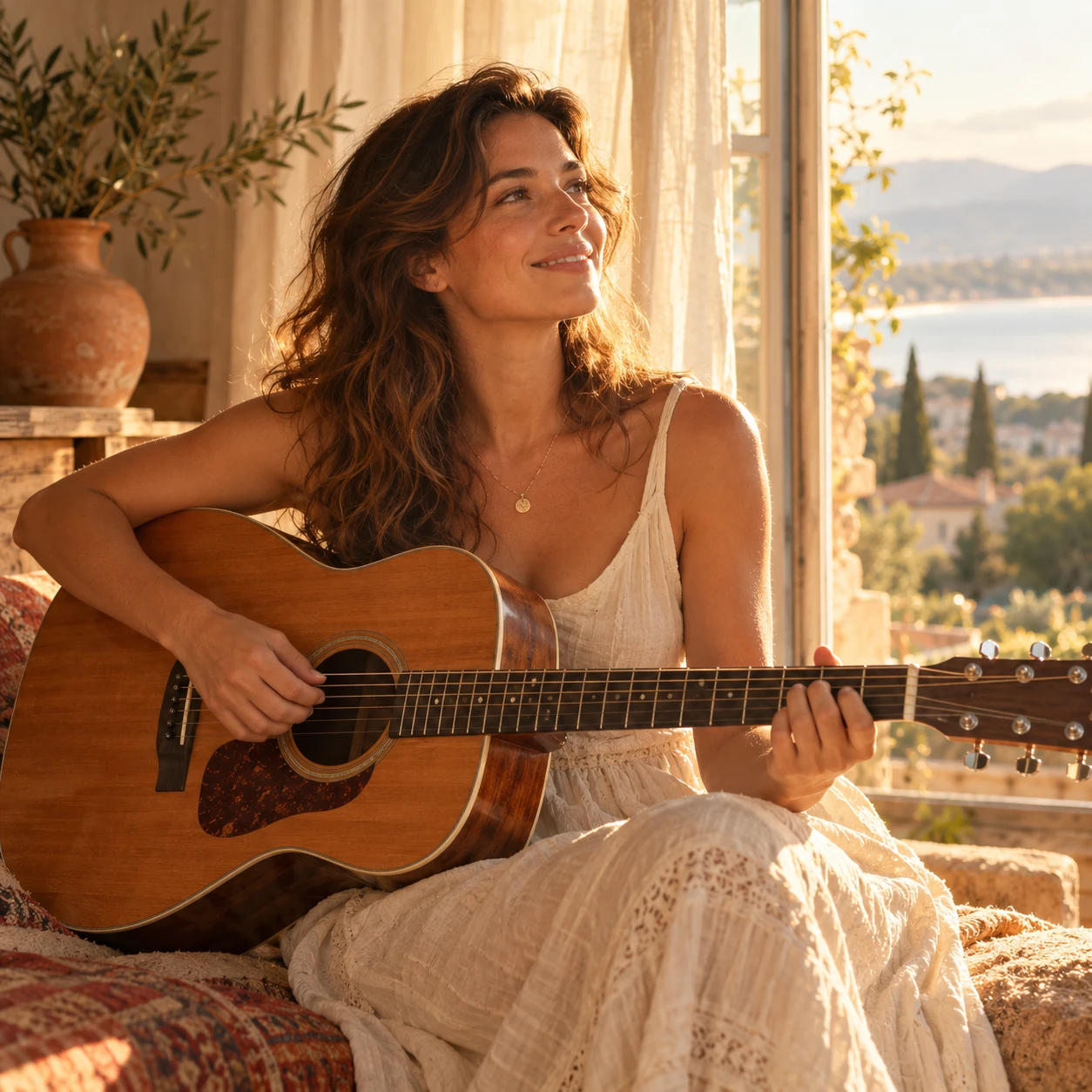
A songwriter in an ivory dress holding an acoustic guitar beside a sunlit window